Hello, today we will develop a simple application with a text-to-image mechanism using the sdxl model and Nextjs in Replicate.
- Create a Nextjs app
npx create-next-app@latest
- Run the app locally
Now run your app locally to make sure everything is working:
cd my-app
npm run dev
- Configure environment
We need to API token to be able to run models. So we will create an .env file and add an API token to it.
touch .env
When it's created, add your token to it. If you don't know how to get API_TOKEN, you can create and get your token in the below link.
get your api token ↗REPLICATE_API_TOKEN="XXXXXXXX"
- Create Backend after doing that, we create index.ts file in
pages/api/predictionsfolder.
mkdir -p pages/api/predictions
- Firstly create a handler to get the prompt in frontend.
- Add API token to headers
- Input value from front-end
And create an error handler for this response:
if (response.status !== 201) {
let error = await response.json();
res.statusCode = 500;
res.end(JSON.stringify({ detail: error.detail }));
return;
}

const prediction = await response.json();
res.statusCode = 201;
res.end(JSON.stringify(prediction));
}
In the final index.ts file:
- The function called sleep allows it to wait for a certain period of time by embedding a number value it takes as a parameter, for example 1000, into setTimeout.
- handleSubmit function helps me send the POST request that will initially trigger the handler function in the api/predictions/index.ts file.
In the continuation of the above code:
- There is an input field to enter the prompt and a submit button.
- If there is a prediction, the output is added to an image and presented as output.
- There is a status field so that the user can follow the stage of Prediction. [Can be improved with loading circle or progress bar]
On the final front-end file:
The console output of Prediction in below.
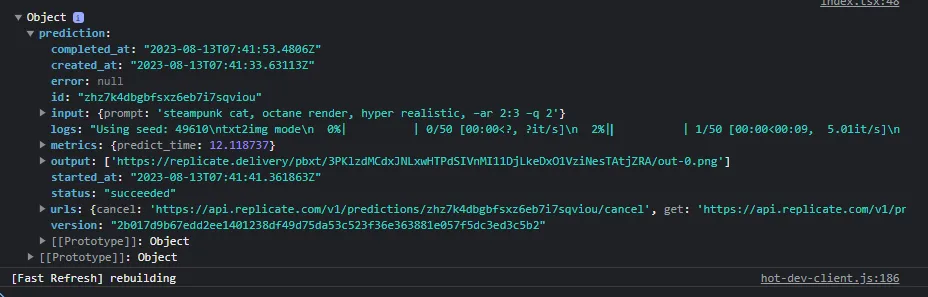
However, it can reflect or use a lot of information to the user.
- Finalize! Congratulations!
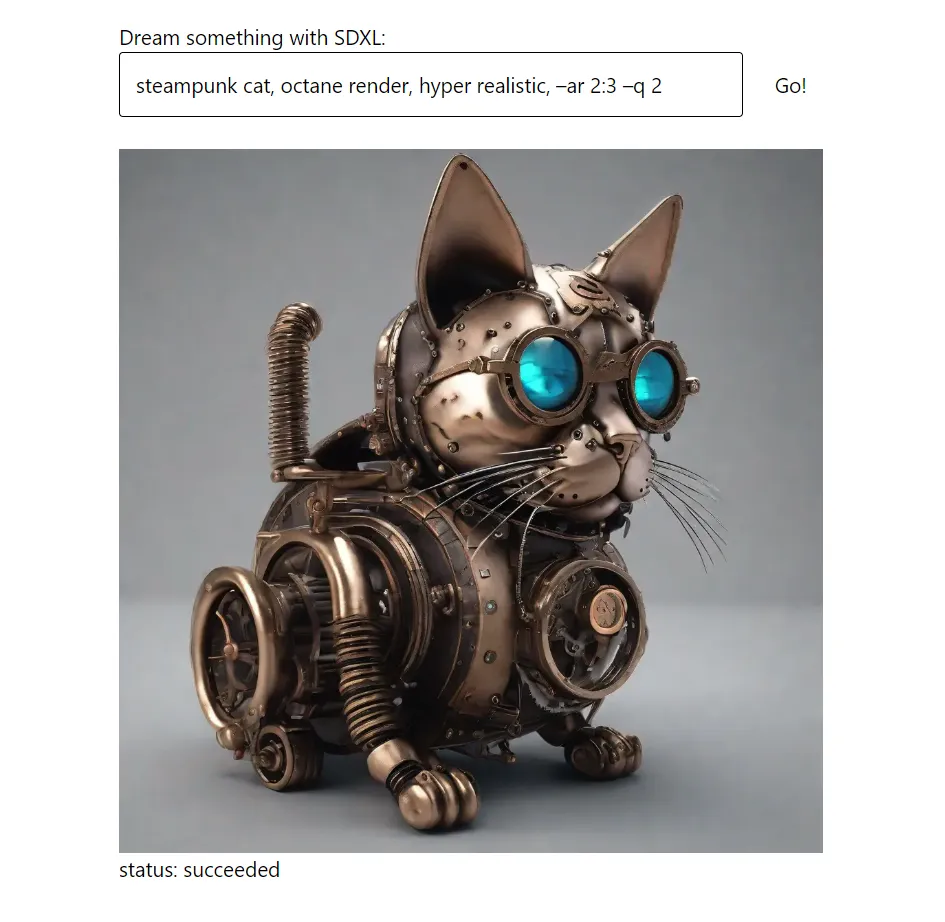
We got our first output by running the text-to-image generator model.